SideScroll.Serialize
0.17.0
dotnet add package SideScroll.Serialize --version 0.17.0
NuGet\Install-Package SideScroll.Serialize -Version 0.17.0
<PackageReference Include="SideScroll.Serialize" Version="0.17.0" />
<PackageVersion Include="SideScroll.Serialize" Version="0.17.0" />
<PackageReference Include="SideScroll.Serialize" />
paket add SideScroll.Serialize --version 0.17.0
#r "nuget: SideScroll.Serialize, 0.17.0"
#:package SideScroll.Serialize@0.17.0
#addin nuget:?package=SideScroll.Serialize&version=0.17.0
#tool nuget:?package=SideScroll.Serialize&version=0.17.0
SideScroll


A cross-platform Avalonia UI framework for building fast, navigable, data-driven applications with automatically generated forms and smart tab navigation.
SideScroll is designed for navigating complex data hierarchies with speed and developer productivity in mind. It automatically selects the most likely next tabs as you navigate, allowing you to drill down 20, 30, or even 50 levels deep with ease. Every view can be saved as a shareable link, and any object can be instantly displayed or edited with auto-generated controls.
✨ Key Features
- 🚀 Smart Tab Navigation — Automatically predicts and displays the next most relevant tabs based on your navigation patterns
- 🖥️ Cross-Platform — Built on Avalonia UI, runs on Windows, macOS, Linux, and Web (WASM)
- ⚡ Rapid Development — Create tabs in code for easy linking and refactoring; no XAML required
- 🎨 Dynamic Forms — Load any object into a TabForm and get auto-generated Avalonia controls with attribute-based customization
- 💾 DataRepos — Manage local data storage with data-bound views and automatic serialization
- 🔗 Shareable Links — Create and share deep links to any view or data state
- 📊 Interactive Charting — Integrated LiveCharts 2 with smooth animations, zooming, and interactive legends
- 📝 Rich Text Editing — Built-in AvaloniaEdit support for syntax highlighting and text manipulation
- 🎨 Customizable Themes — Light, dark, and custom themes with exportable/importable JSON configurations
- 🔍 Advanced Filtering — Powerful DataGrid filtering with nested queries and operators
🎬 Live Demo
Try SideScroll in your browser: https://sidescrollui.github.io/SideScroll/
The demo runs entirely in WebAssembly using Avalonia's browser support—no installation required!
Note: The browser version is experimental. For the best performance and full features, use the desktop application.
📸 Screenshots & Examples
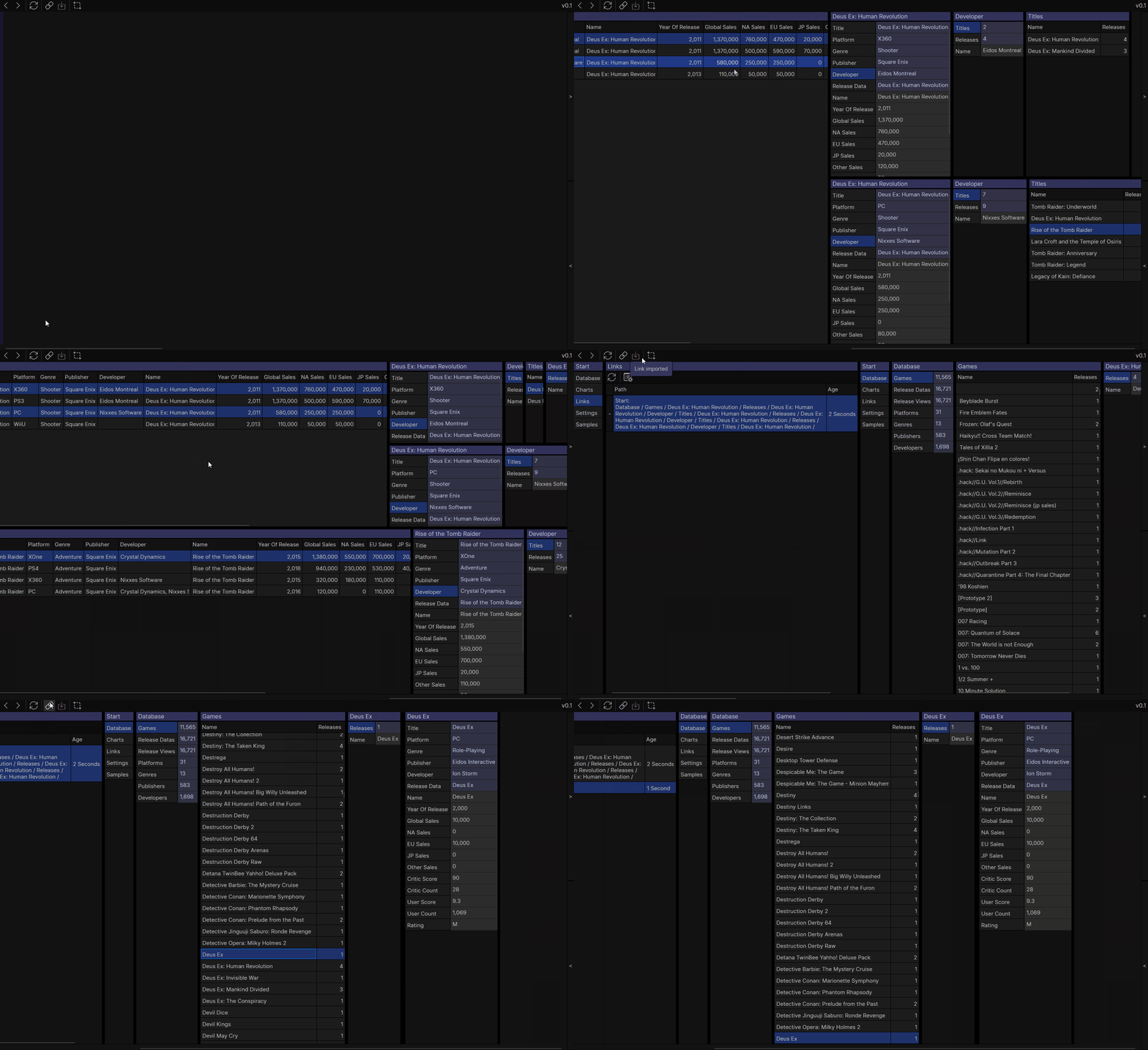
VideoGamesDB Sample
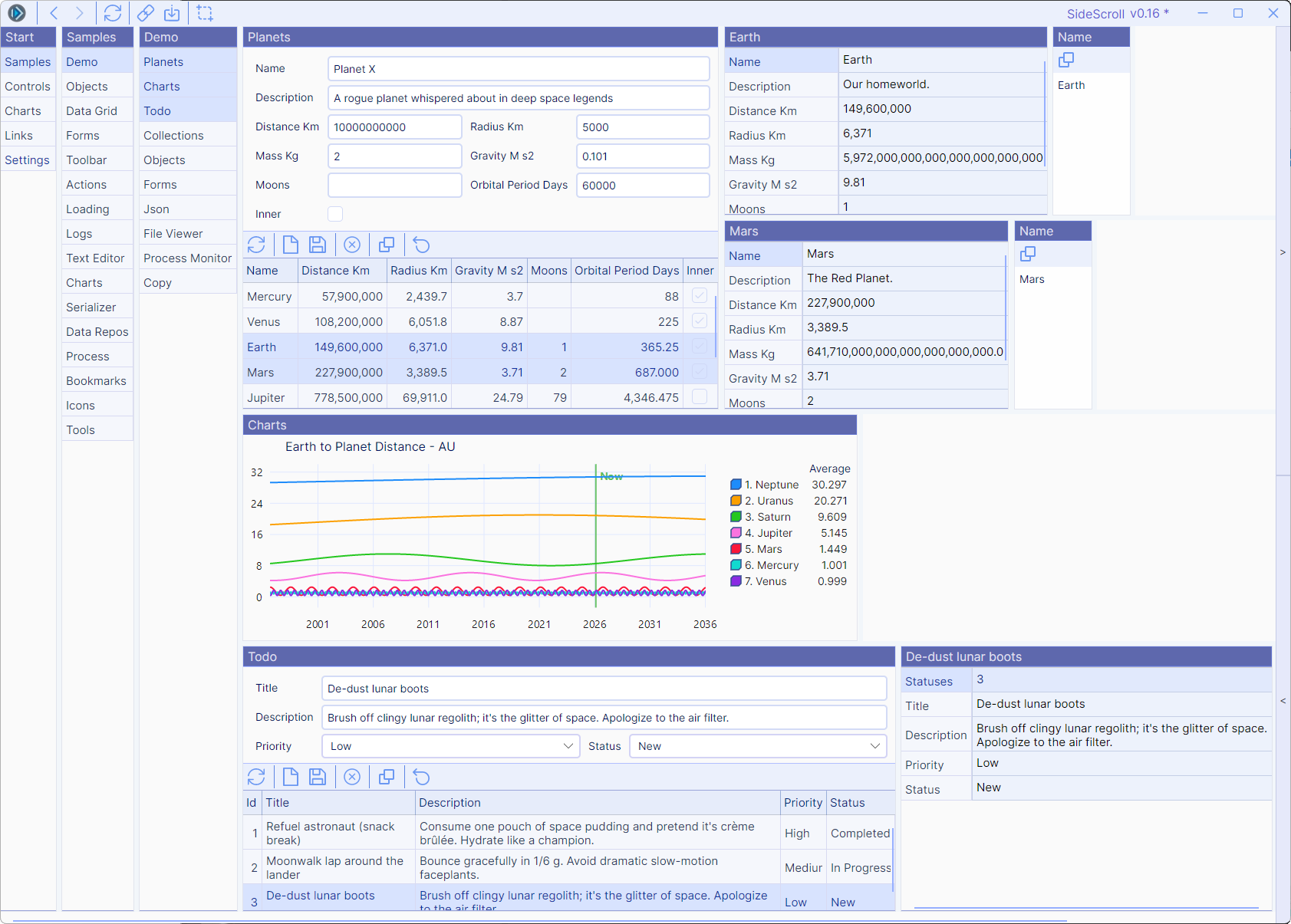
Light Theme
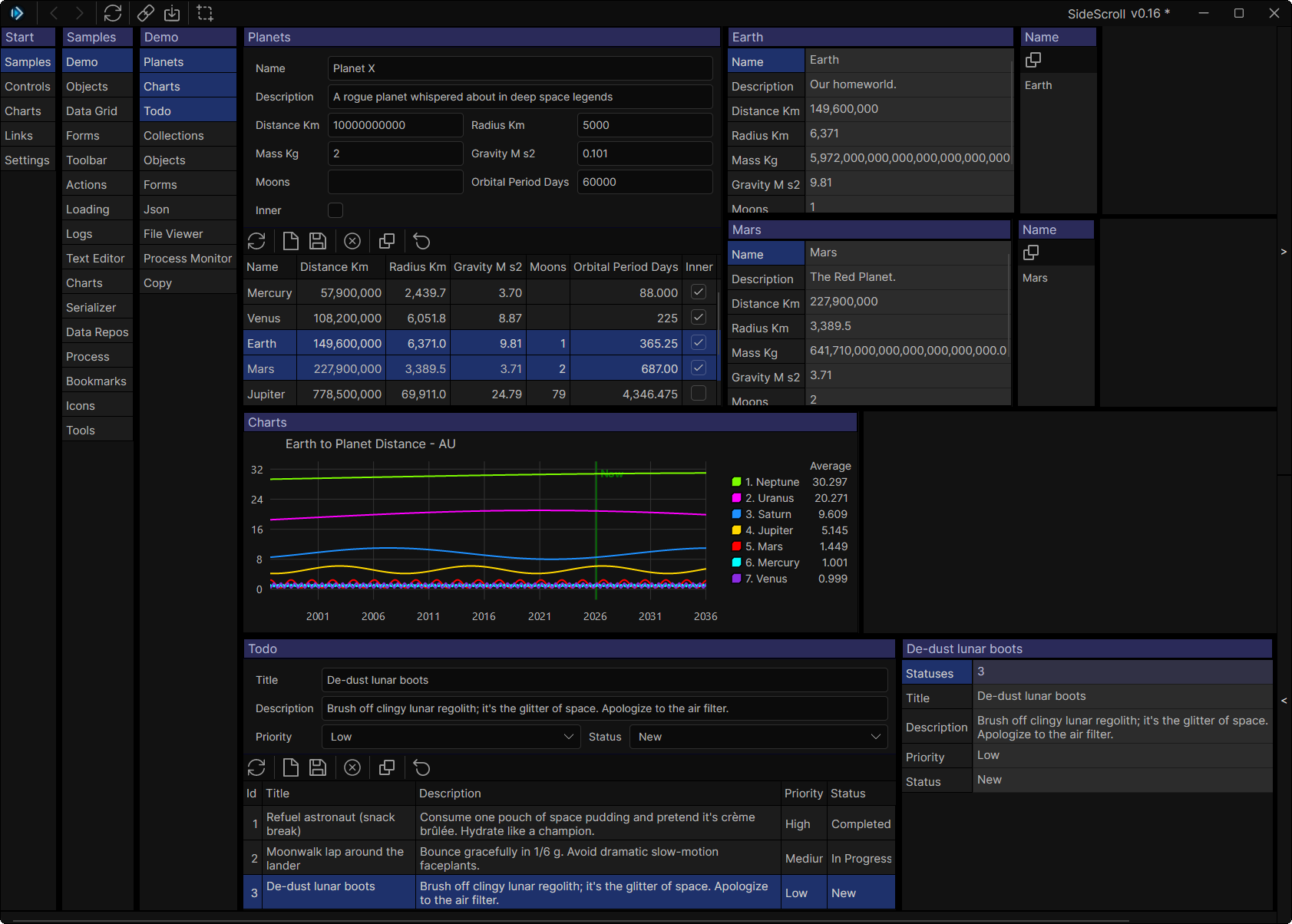
Dark Theme
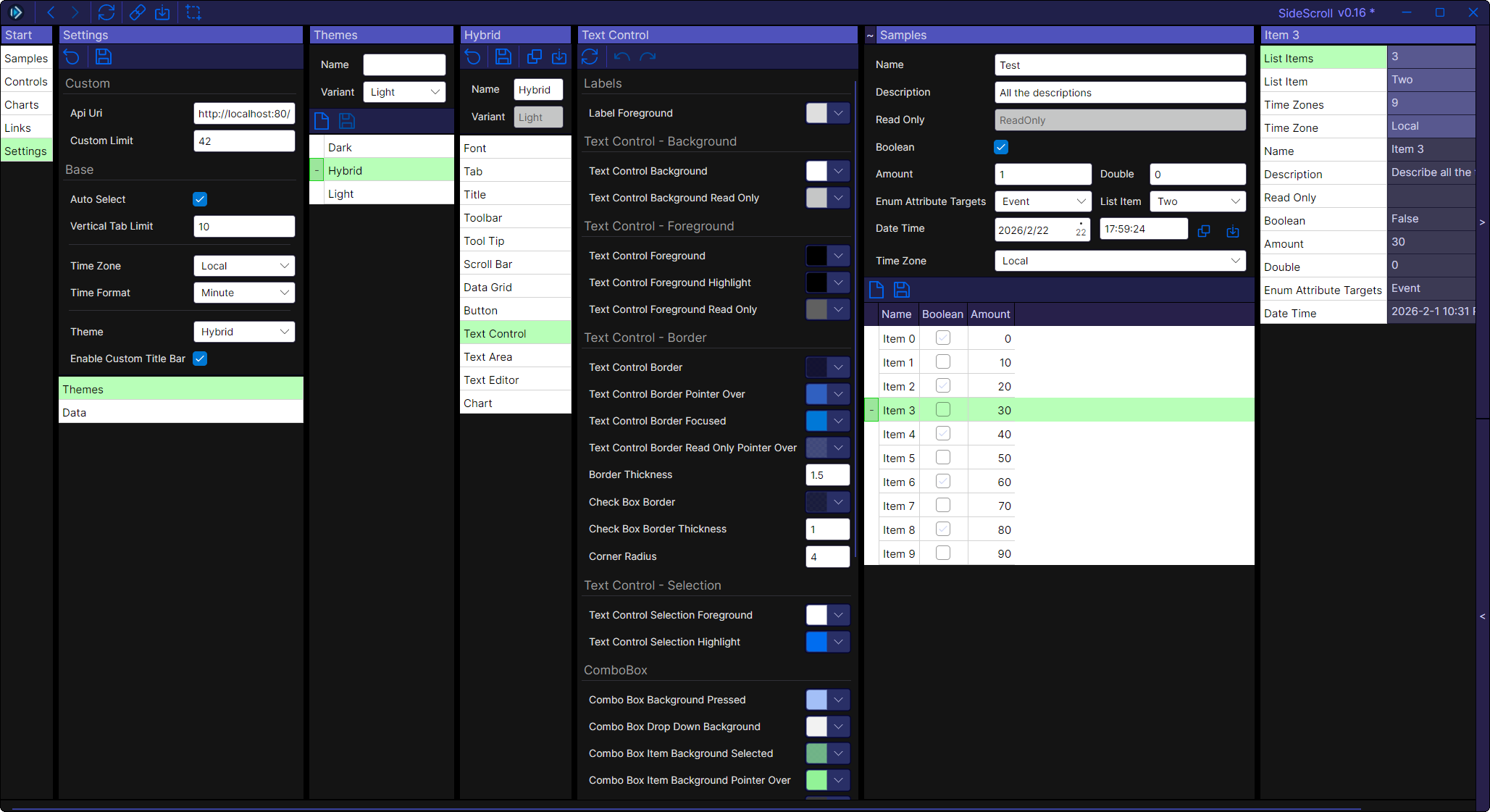
Custom Theming - Hybrid Theme
Rich Text Editing with AvaloniaEdit
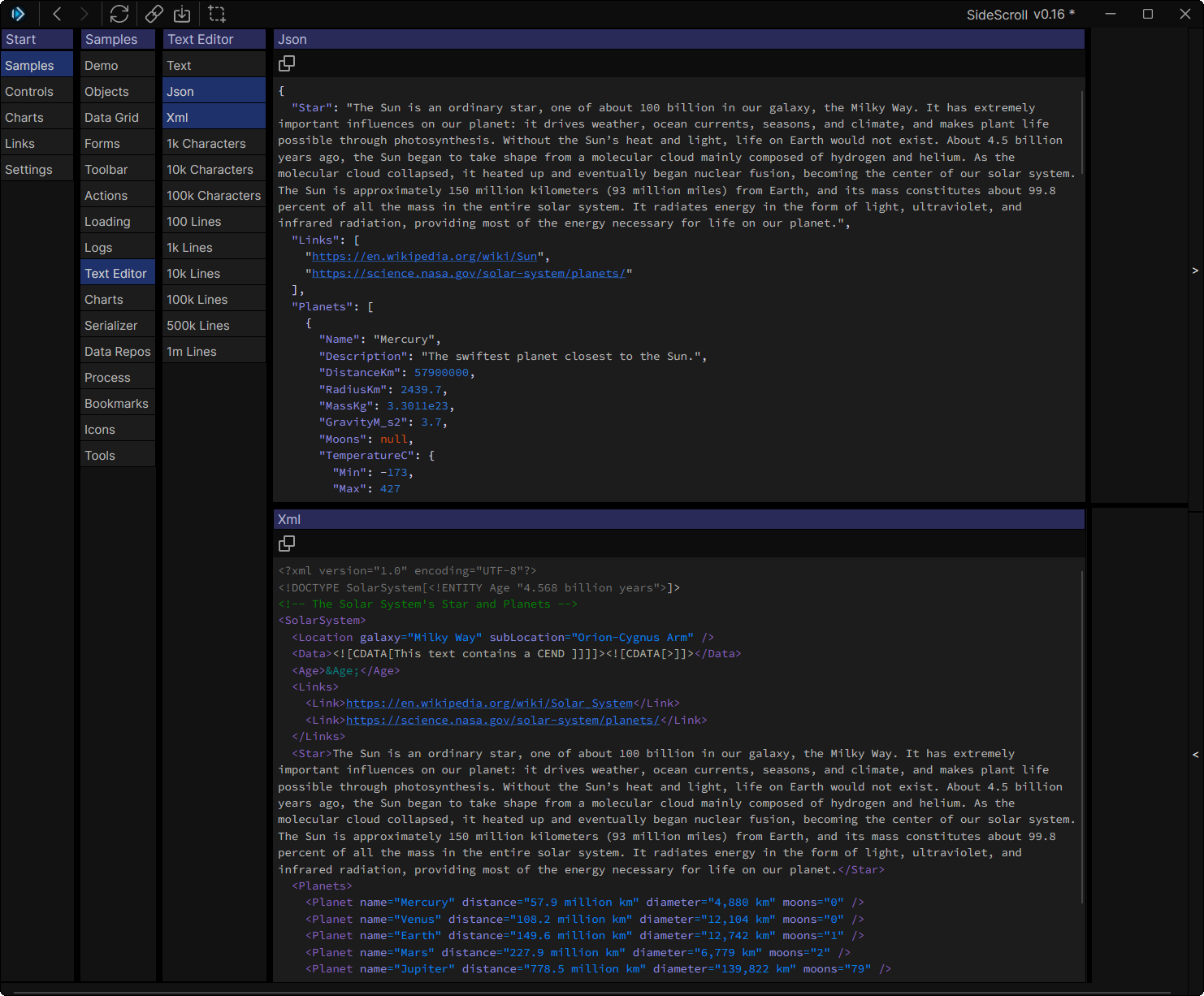
Shareable Links
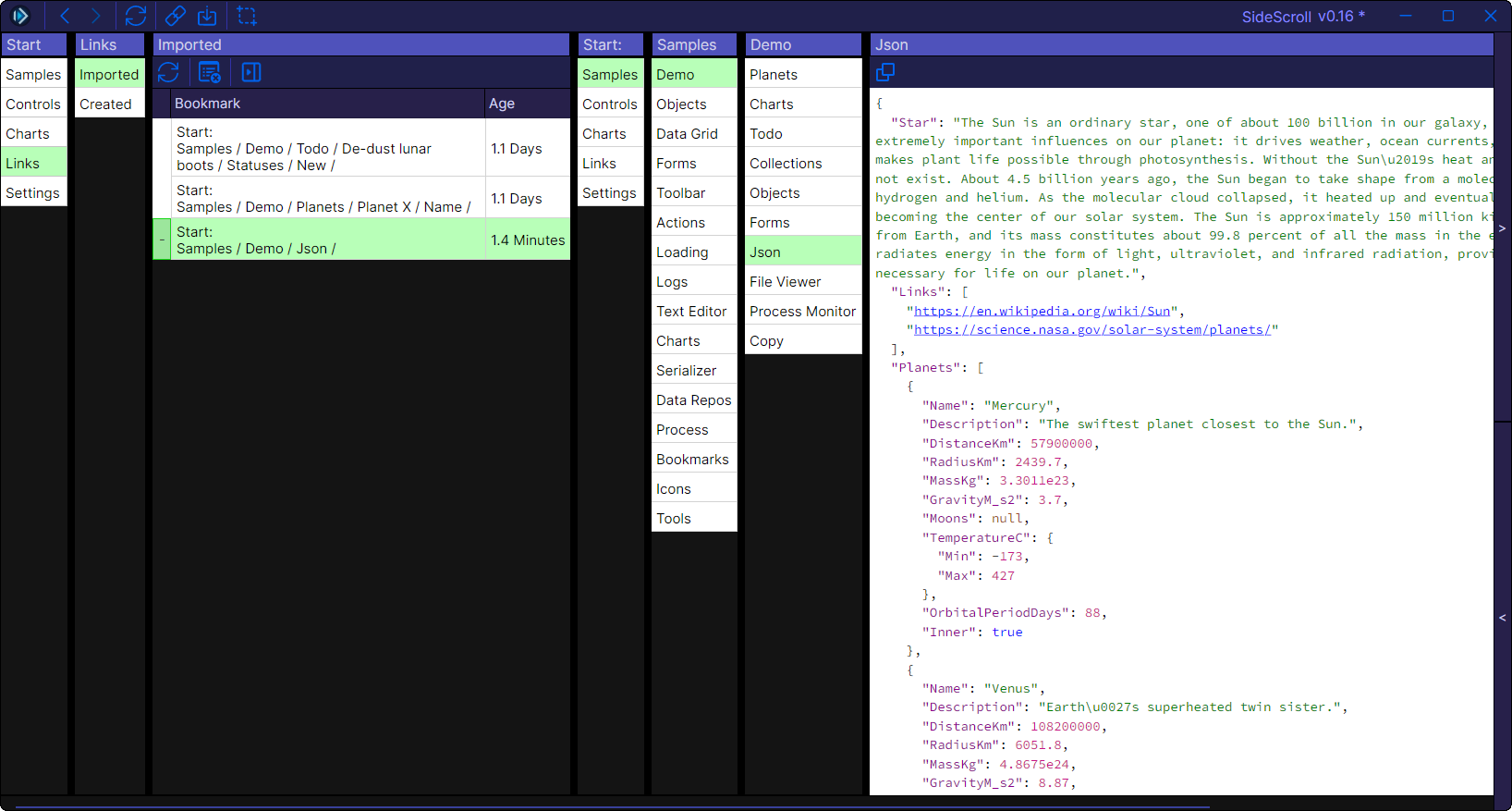
🚀 Quick Start
Install SideScroll templates
dotnet new install SideScroll.TemplatesCreate a new SideScroll application
dotnet new sidescroll.app -o MyAppOr create a solution with library and program projects:
dotnet new sidescroll.sln -o MyAppRun your new app
cd MyApp
dotnet run
📚 Documentation
For Users
- User Guide — How to use SideScroll applications
- Live Demo — Try it in your browser
For Developers
- Project Setup — Setting up your first SideScroll project
- Development Guide — Core concepts and development workflow
- Adding Tabs — Creating custom tabs
- TabForms — Auto-generated forms for objects
- DataRepos — Data storage and management
- Bookmarks — Creating shareable links
- Charts — Adding interactive charts
- Logs — Logging and debugging
- Projects — Project configuration
- Serializer — Object serialization
Additional Resources
- Credits — Acknowledgments and third-party libraries
- Changelog — Version history and release notes
- Contributing Guide — How to contribute to SideScroll
🎯 Sample Projects
- SideScroll Samples — Included in the repository
- Video Game Database — External sample project demonstrating real-world usage
📄 License
This project is licensed under the MIT License - see the LICENSE file for details.

| Product | Versions Compatible and additional computed target framework versions. |
|---|---|
| .NET | net8.0 is compatible. net8.0-android was computed. net8.0-browser was computed. net8.0-ios was computed. net8.0-maccatalyst was computed. net8.0-macos was computed. net8.0-tvos was computed. net8.0-windows was computed. net9.0 was computed. net9.0-android was computed. net9.0-browser was computed. net9.0-ios was computed. net9.0-maccatalyst was computed. net9.0-macos was computed. net9.0-tvos was computed. net9.0-windows was computed. net10.0 was computed. net10.0-android was computed. net10.0-browser was computed. net10.0-ios was computed. net10.0-maccatalyst was computed. net10.0-macos was computed. net10.0-tvos was computed. net10.0-windows was computed. |
-
net8.0
- SideScroll (>= 0.17.0)
- System.Reflection.Emit (>= 4.7.0)
NuGet packages (2)
Showing the top 2 NuGet packages that depend on SideScroll.Serialize:
| Package | Downloads |
|---|---|
|
SideScroll.Tabs
SideScroll is a cross platform Avalonia UI framework designed for quickly navigating through a tree of tabs. Every tab that shows will automatically select the next most likely tabs, and the next, until you need to start scrolling. Navigate 20 or even 50 tabs deep, and create links to save or share with others. |
|
|
SideScroll.Serialize.Browser
Browser/WebAssembly localStorage implementation for SideScroll serialization and data repositories |
GitHub repositories
This package is not used by any popular GitHub repositories.
| Version | Downloads | Last Updated |
|---|---|---|
| 0.17.0 | 38 | 4/19/2026 |
| 0.16.0 | 184 | 3/4/2026 |
| 0.15.0 | 195 | 1/26/2026 |
| 0.14.0 | 563 | 12/10/2025 |
| 0.13.0 | 411 | 11/11/2025 |
| 0.12.0 | 293 | 10/16/2025 |
| 0.11.0 | 294 | 9/23/2025 |
| 0.10.0 | 284 | 9/3/2025 |
| 0.9.10 | 261 | 8/11/2025 |
| 0.9.9 | 276 | 7/1/2025 |
| 0.9.8 | 282 | 6/4/2025 |
| 0.9.7 | 317 | 4/22/2025 |
| 0.9.6 | 325 | 4/8/2025 |
| 0.9.5 | 309 | 3/20/2025 |
| 0.9.4 | 247 | 2/10/2025 |
| 0.9.3 | 279 | 2/4/2025 |
| 0.9.2 | 249 | 1/23/2025 |
| 0.9.1 | 234 | 1/12/2025 |
| 0.9.0 | 194 | 1/9/2025 |
| 0.8.0 | 261 | 12/8/2024 |
- https://github.com/SideScrollUI/SideScroll/releases
- See Changelog for more